



Fairphone
17 September 2026
3
min read
Share this article
Here's how we built the Fairphone Gallery app
At Fairphone, we’ve always believed that you should have full ownership over your tech, from the hardware in your hands to the software running on your screen. That’s why we’re excited to introduce the Fairphone Gallery app, a clean, fast, privacy-conscious media viewer designed to put you back in control of your memories. Here is a look behind the scenes at why we built it, how we collaborated with the open-source community, and what it means for your privacy.
Built with the community, for the community
The Fairphone community has been requesting a local gallery app for some time now. Many of you don't view cloud-heavy applications as simple galleries but rather as cloud backup tools. Instead, the need of the hour was a straightforward space dedicated strictly to local media.
Rather than building an app completely from scratch behind closed doors, we turned to the open-source ecosystem. We partnered with a local developer to white-label and build upon an existing open-source gallery app.
By taking a lightweight, active codebase and tailoring it to our brand, we were able to focus on core usability. This collaborative approach lets us integrate ongoing community fixes and updates over time, keeping software maintenance lean and sustainable.
We also took a hard look at transparency and security during development:
- Stripped-down permissions: We removed every unnecessary permission requirement. The app only asks for photo and video access. Nothing else.
- No unneeded features: To protect your data security, we removed bloated, complex encryption sub-features (like legacy vaults) to keep the app focused, fast, and secure.

Simple, Essential Functionality
Designed to be lightweight and easy to navigate, the app gives you the tools you need without the bloat:
- Timeline & Albums: Easily toggle between a daily or monthly chronological timeline grid and an intuitive Albums view.
- Built-In Essentials: Enjoy direct media actions like basic photo editing (crop, rotate, filters, and markup), customizable light and dark themes, fast media search, and an easy favorites list.
- Flexibility: If you use cloud backup services alongside local media, you can use both together or choose to run the Fairphone Gallery app exclusively.
Privacy by Design: Your Photos Stay Yours
Your personal memories belong to you, not an external server. The Fairphone Gallery app operates entirely on your physical device:
- Zero data collection: The app requires no user account, collects zero analytics, and never uploads your photos, videos, or metadata to cloud databases.
- Minimal storage footprint: It acts purely as a local viewer, meaning it doesn't duplicate your files or create hidden background copies that eat up your storage.
- Direct storage management: What you see is directly what's on your device or microSD card. When you delete a photo in the app, it's removed straight from your storage.
And the best part?
It’s compatible with all Fairphones since Fairphone 4
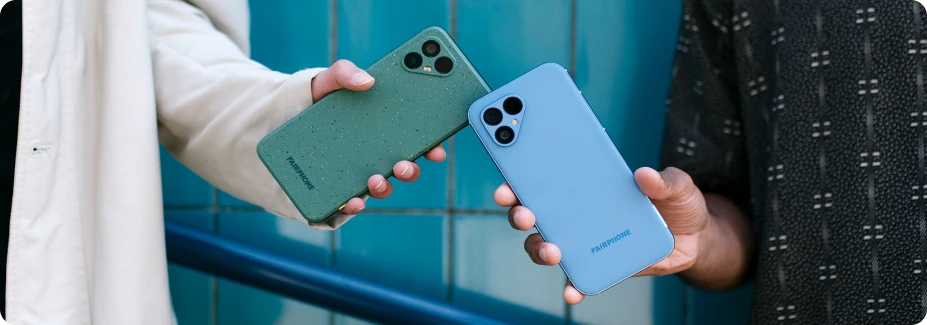
Whether you’re capturing photos on the brand-new Fairphone (Gen. 6+) or keeping one of our OG Fairphones going strong, our new app offers a clutter-free, privacy-first way to view and organize your photos and videos. Alright, let’s get to it.
If you're setting up a new Fairphone (Gen. 6) or Fairphone (Gen. 6+), the app downloads automatically in the background during initial setup. For Fairphone 4 and 5 owners, you can download the Fairphone Gallery App on the Google Play Store.
Latest stories
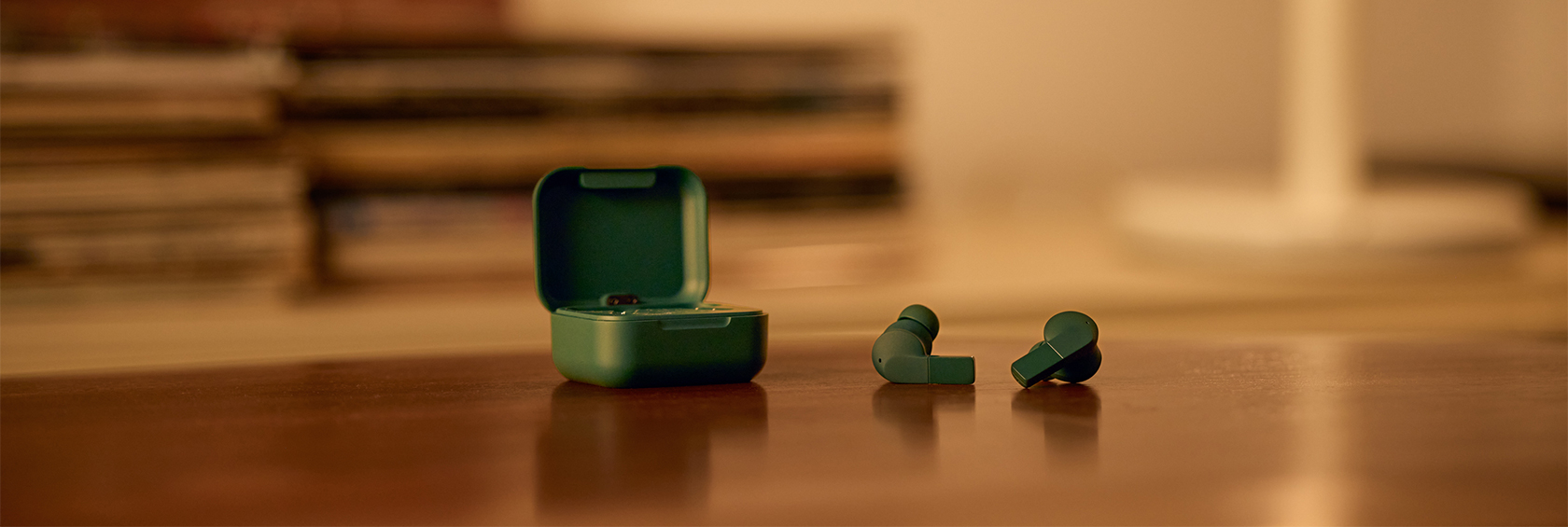
Fairbuds 2: Certifiably better in many ways
The Fairbuds 2 that launched a few weeks back is many steps ahead of its predecessor, not only when it
Read more
The new Fairbuds 2. Your sound. Made better.
Great sound, a distinct design, and a listening experience made to evolve with you. Designed to impress from day one
Read more
Can we outrace the e-waste problem? Yes, we can.
Increasing electronic waste is a global crisis that's growing exponentially. E-waste races are an innovative way to tackle the problem.
Read more